Configuration Overview
Projects
Learn how to configure the Studio SDK and integrate it into your application. This includes detailed instructions on setting up various types of projects, how to load and store them, ensuring that you can leverage the full capabilities of the Studio SDK. For more information on setting up different types of projects, please refer to the relevant page.
Blocks
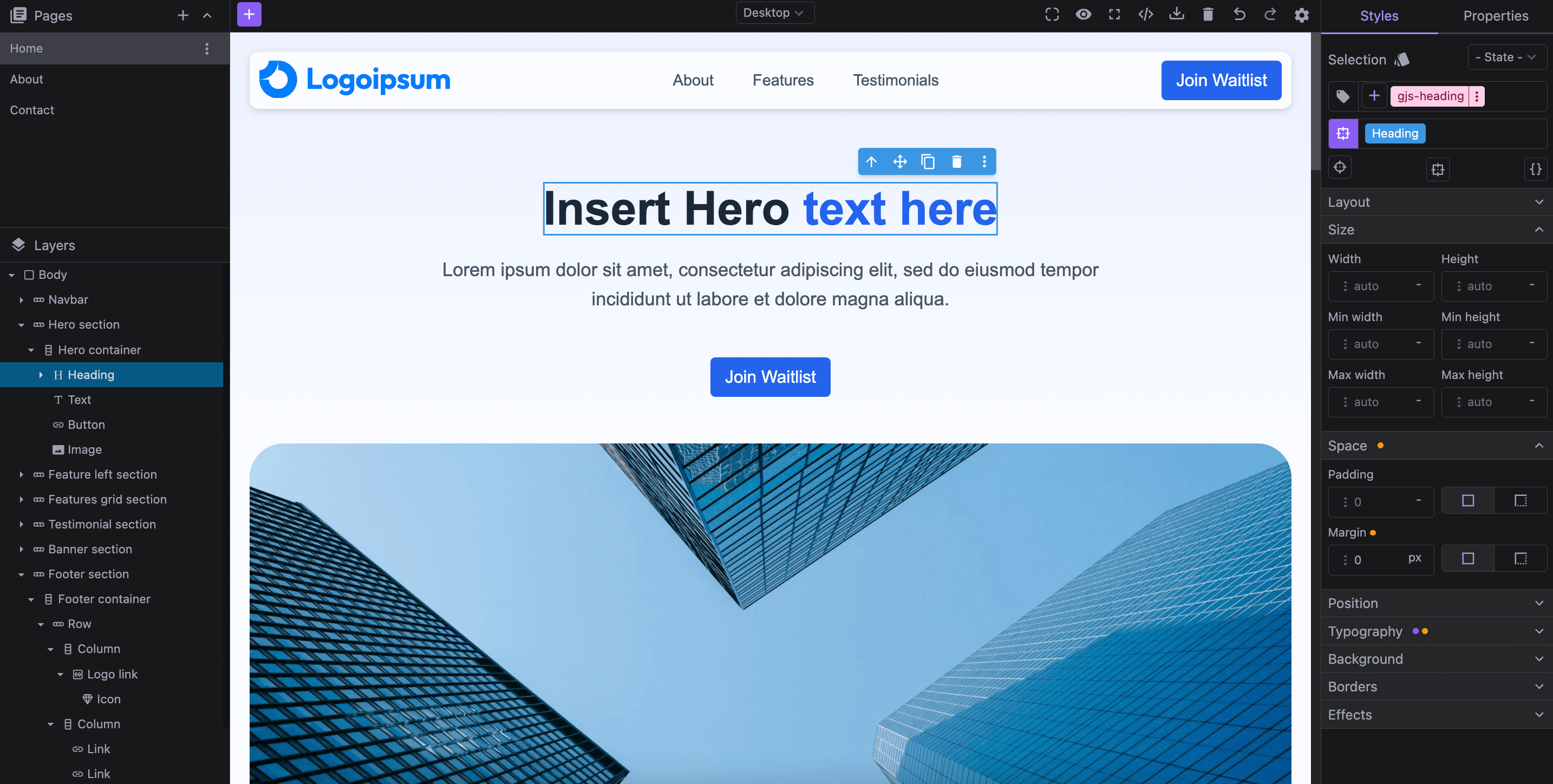
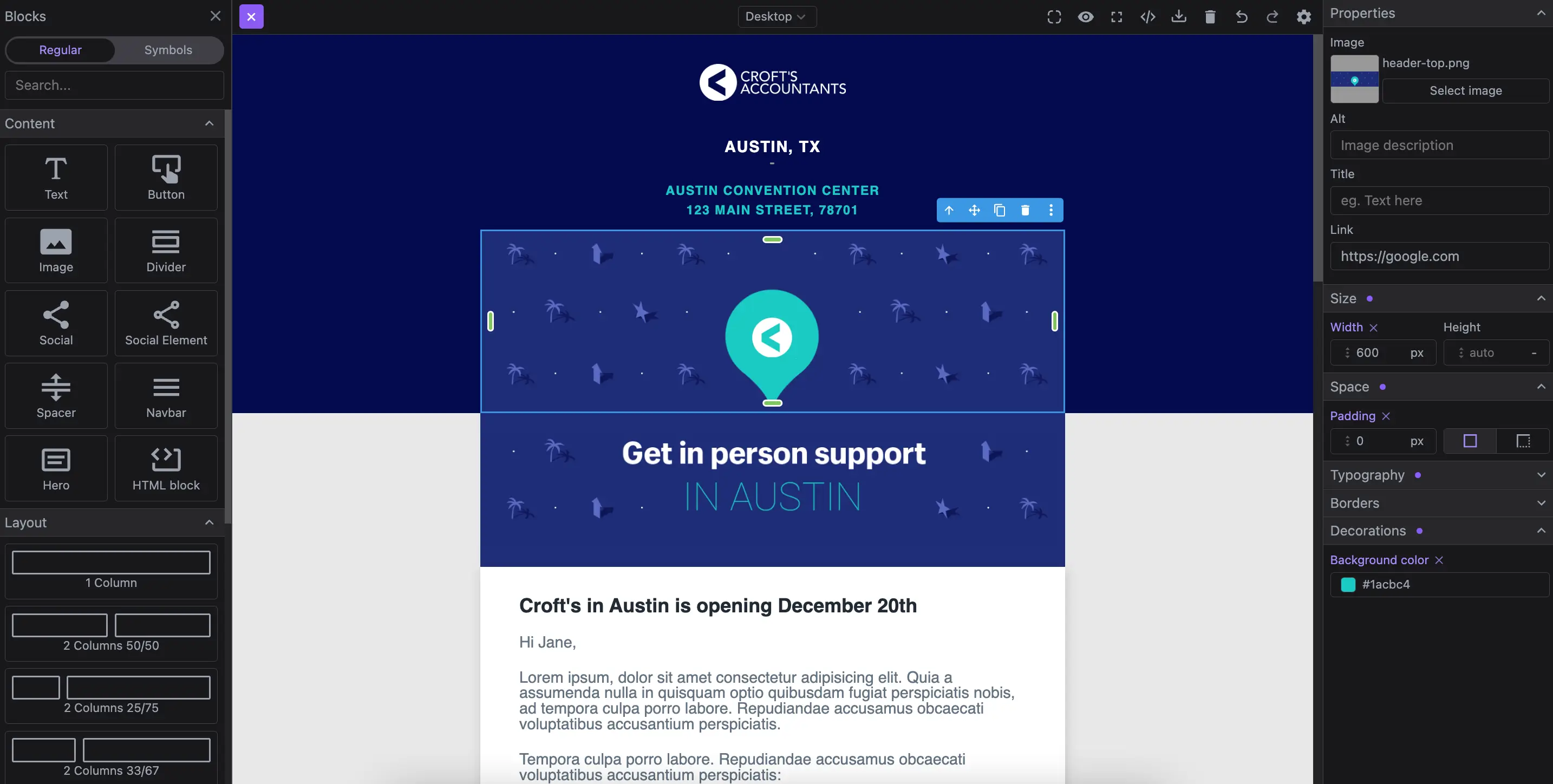
The editor includes a Block module that allows you to define reusable content elements for your users in the project. You can customize blocks to include individual components or complex layouts. For detailed instructions on setting up and managing blocks, please refer to the relevant page.
Pages
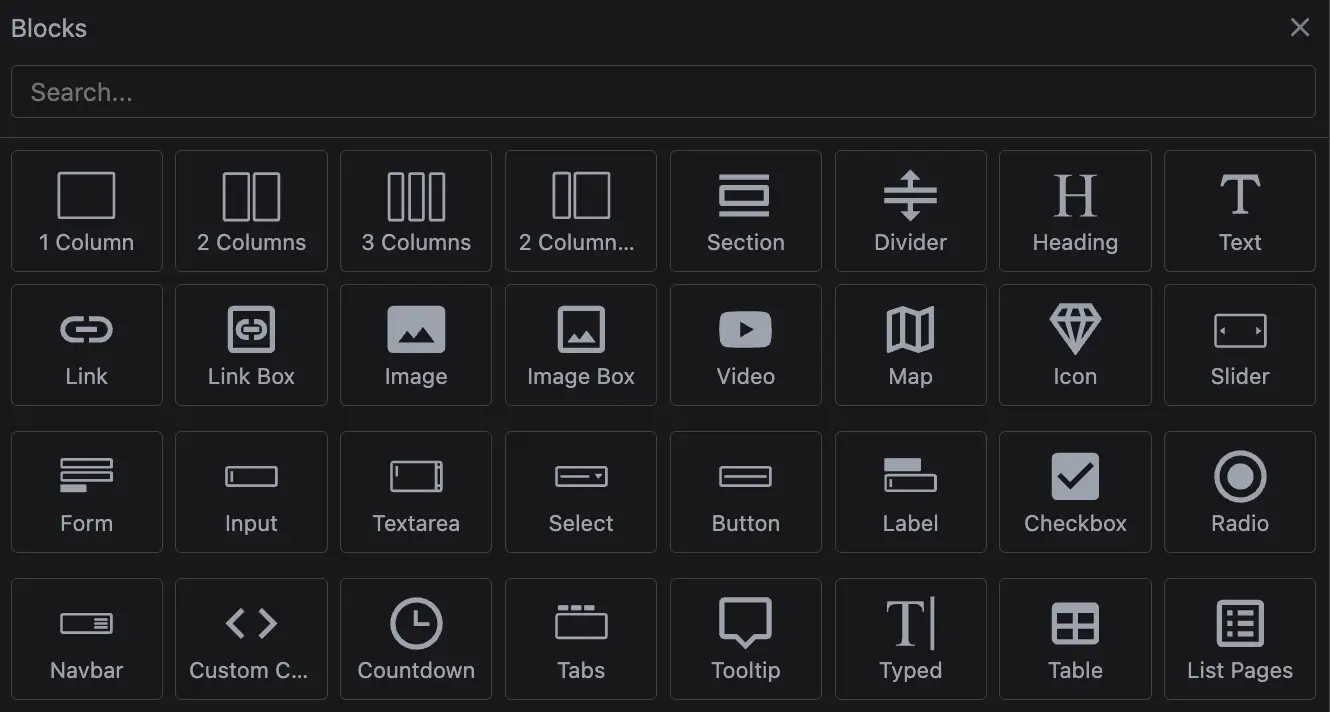
The Studio SDK supports multipage functionality, allowing for customization in managing pages within your project. For detailed instructions on setting up and managing pages, please refer to the relevant page.

Assets
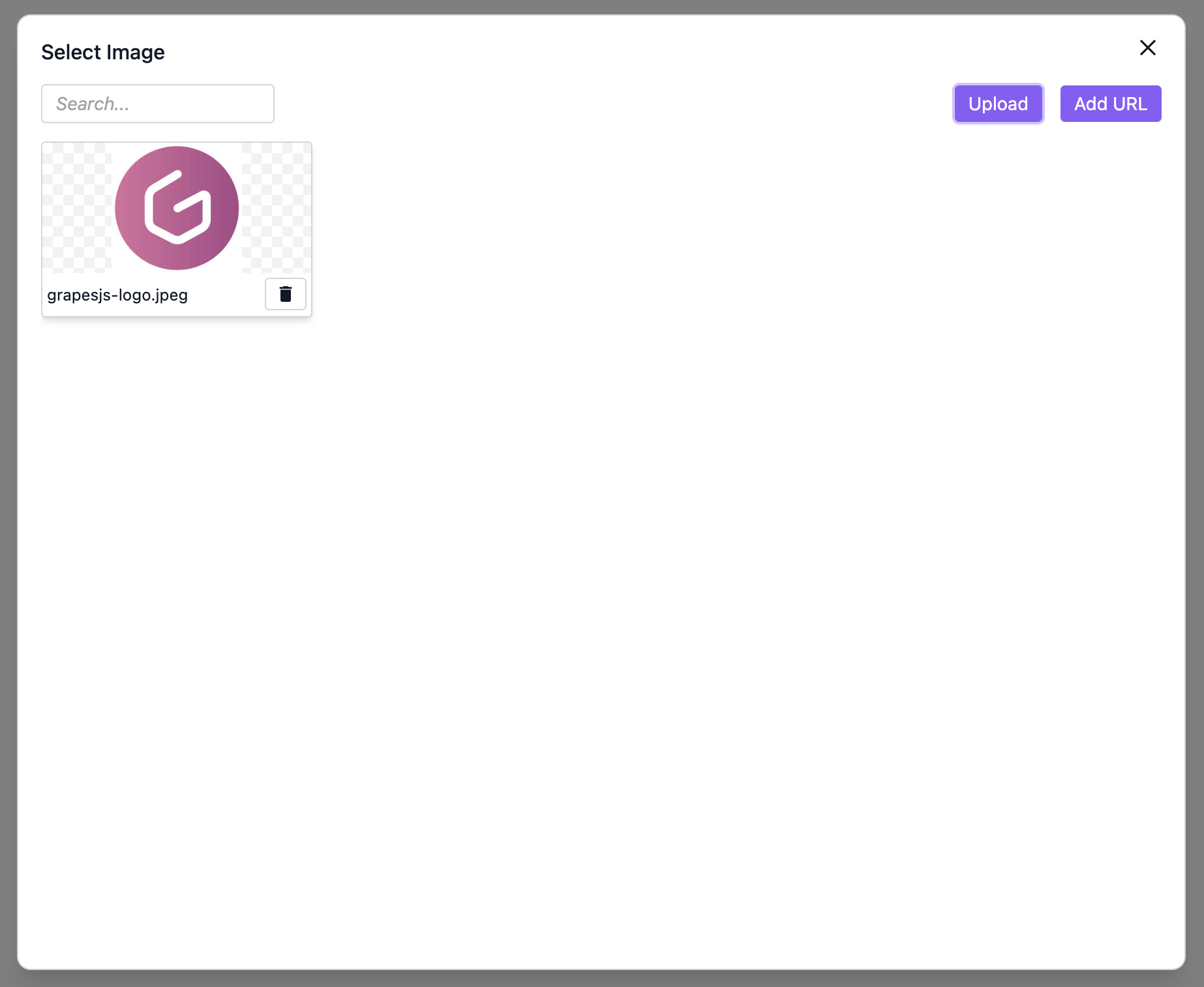
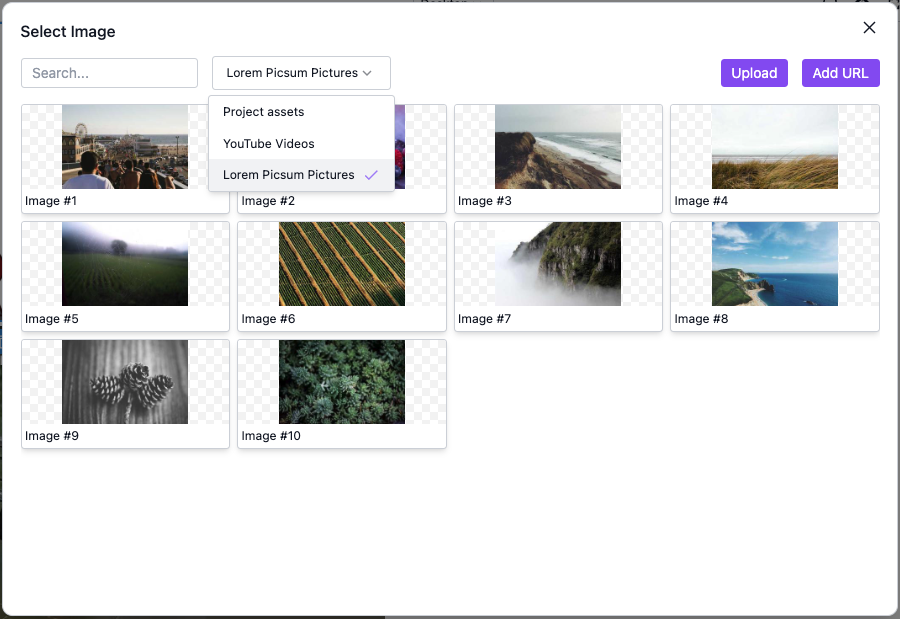
Learn how to manage media and resources in your project, including uploading files and configuring storage settings. You can also integrate external services using Asset Providers, allowing you to load custom asset types such as images, videos, and documents. For more details on asset management, see the Assets Configuration page.
Themes
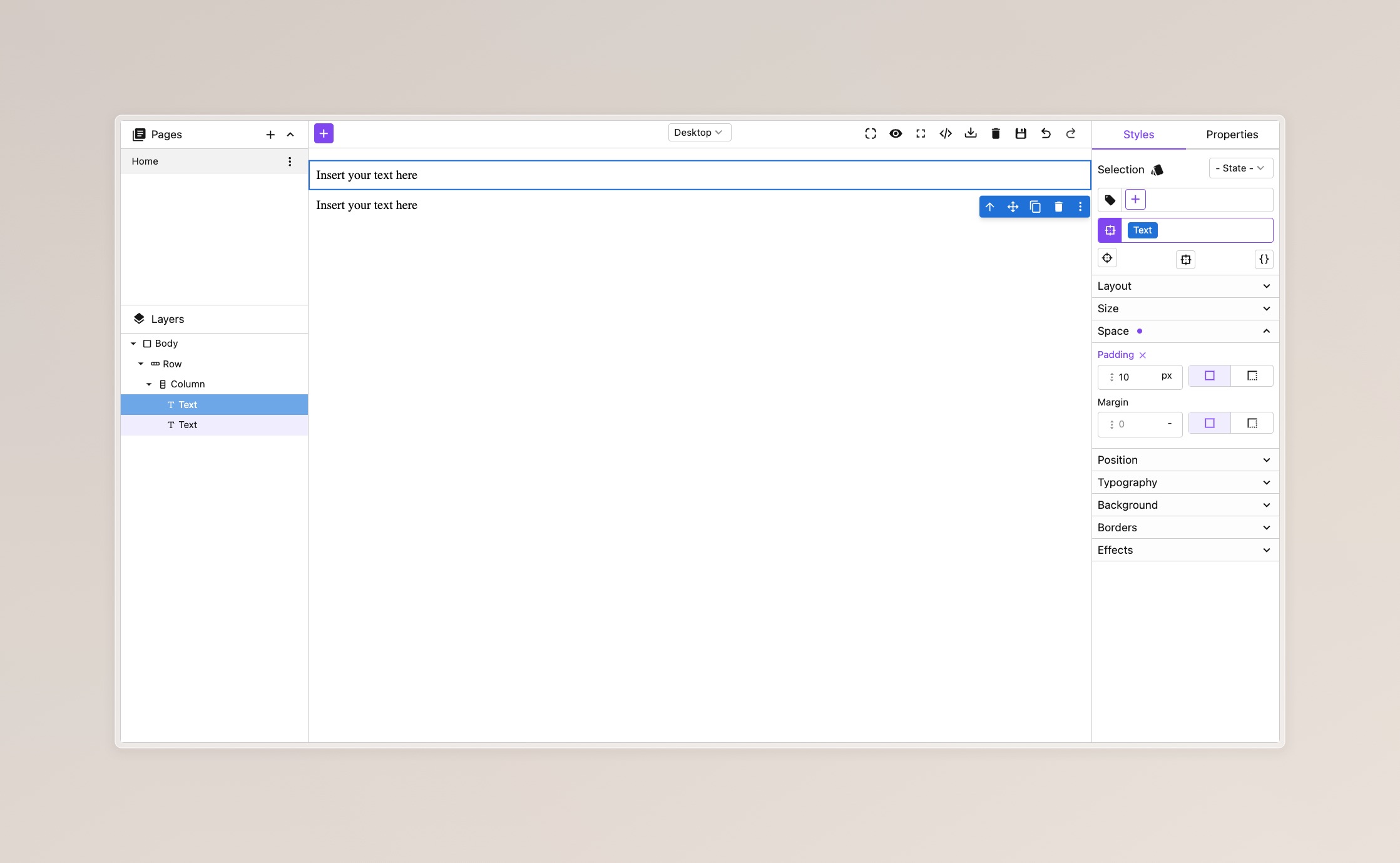
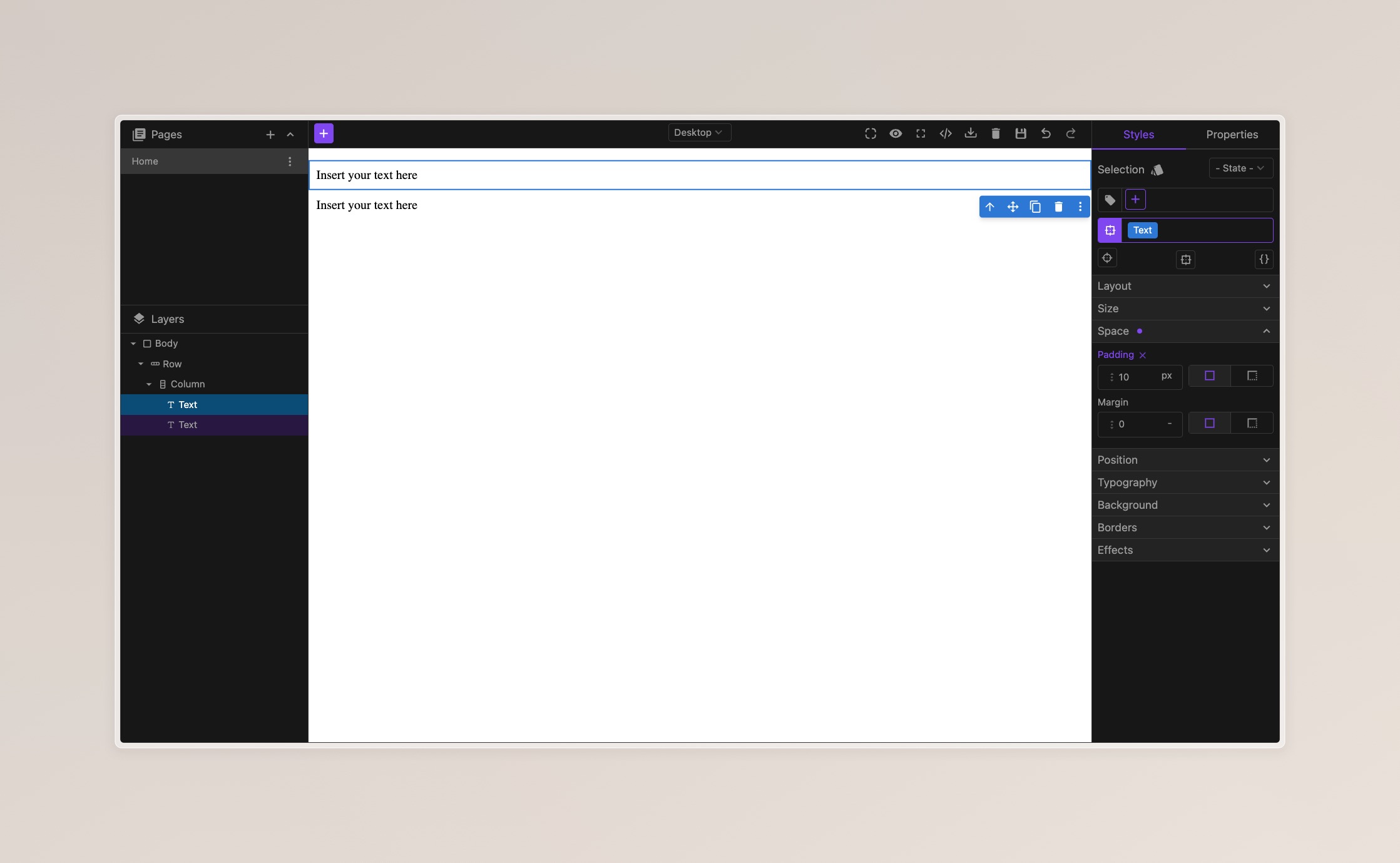
Learn how to personalize the visual appearance of your editor, including customizing icons, choosing themes, and modifying styles to align with your brand's identity. For more details on theme customization, please refer to the relevant page.
Layout
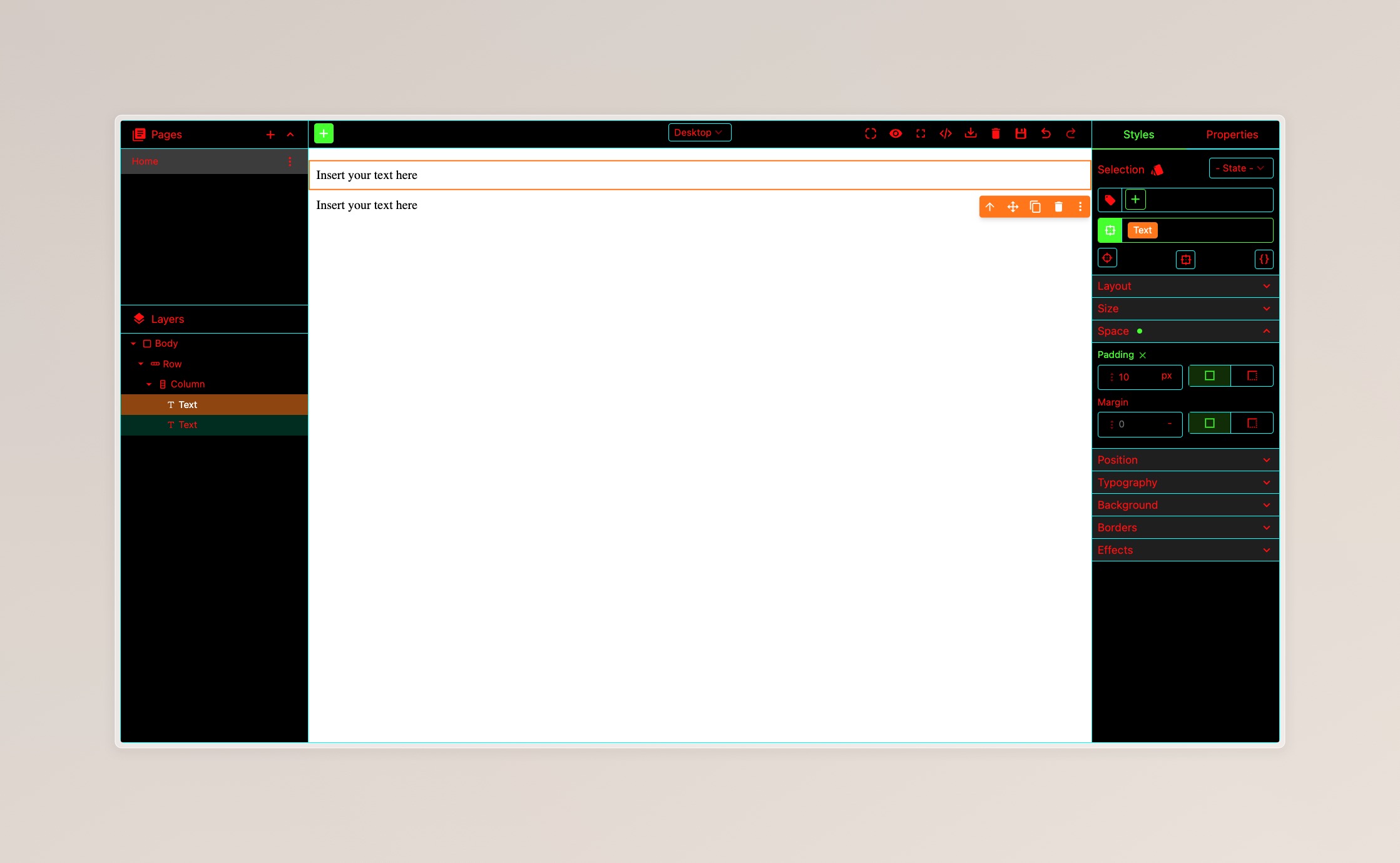
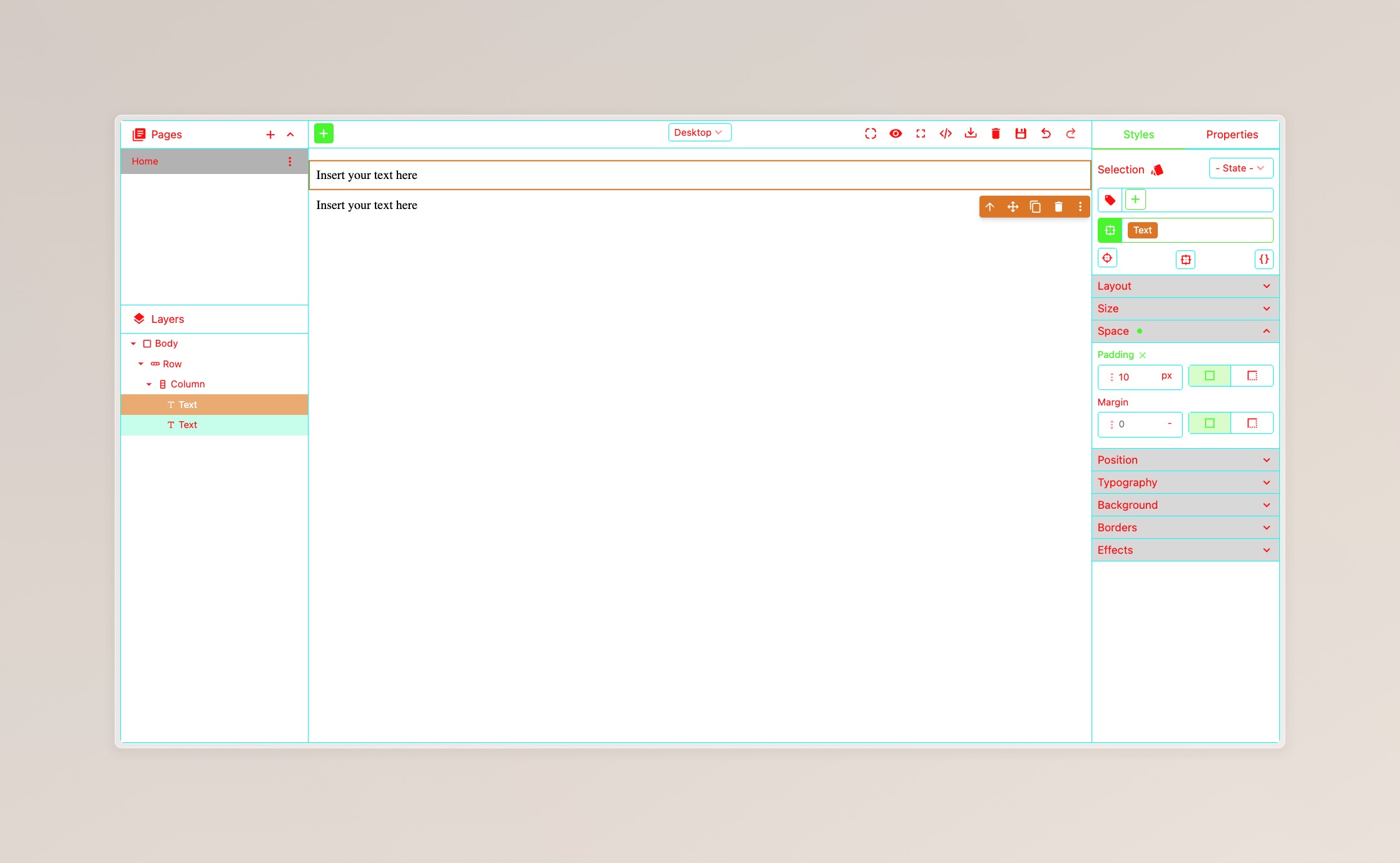
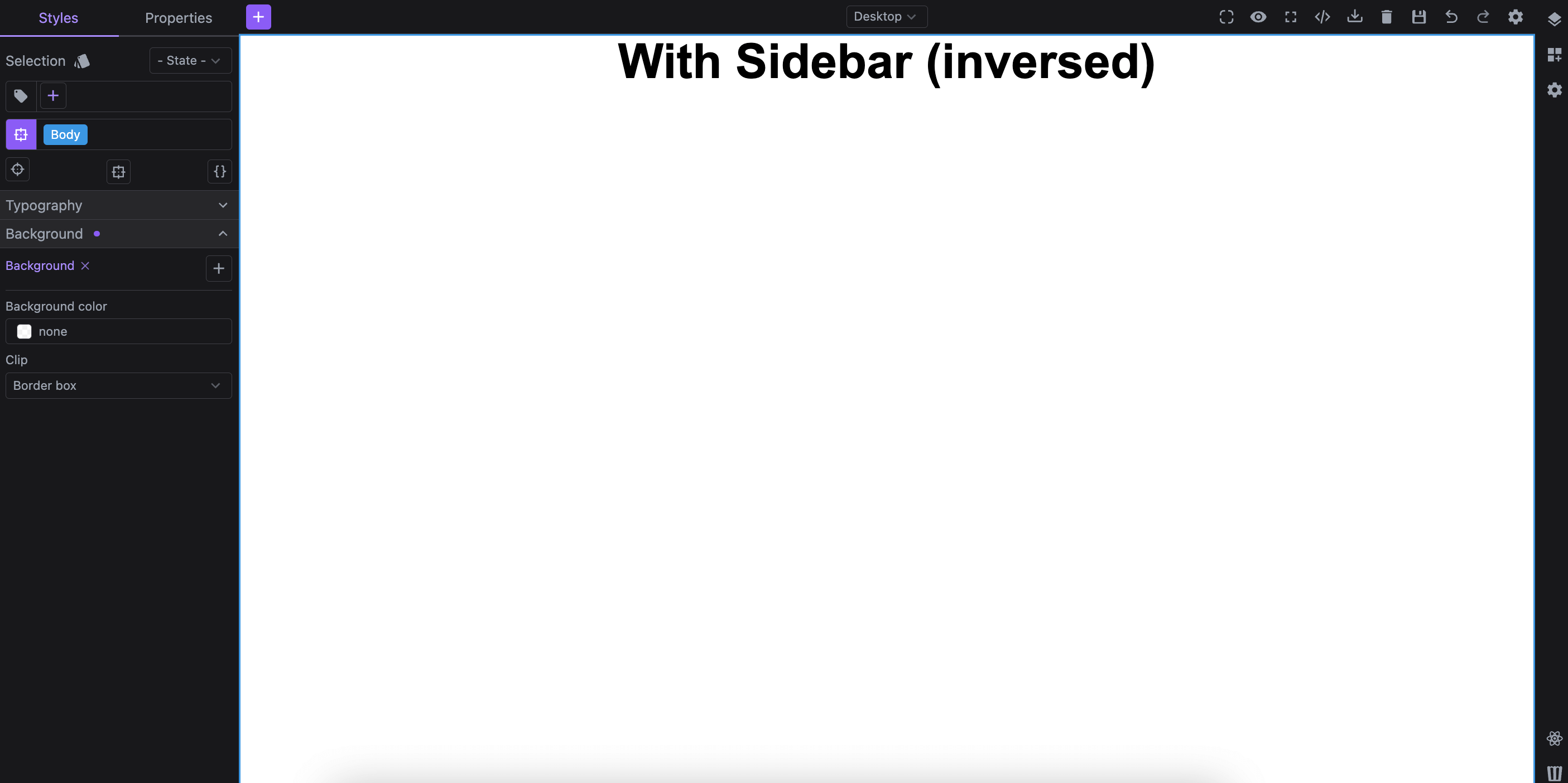
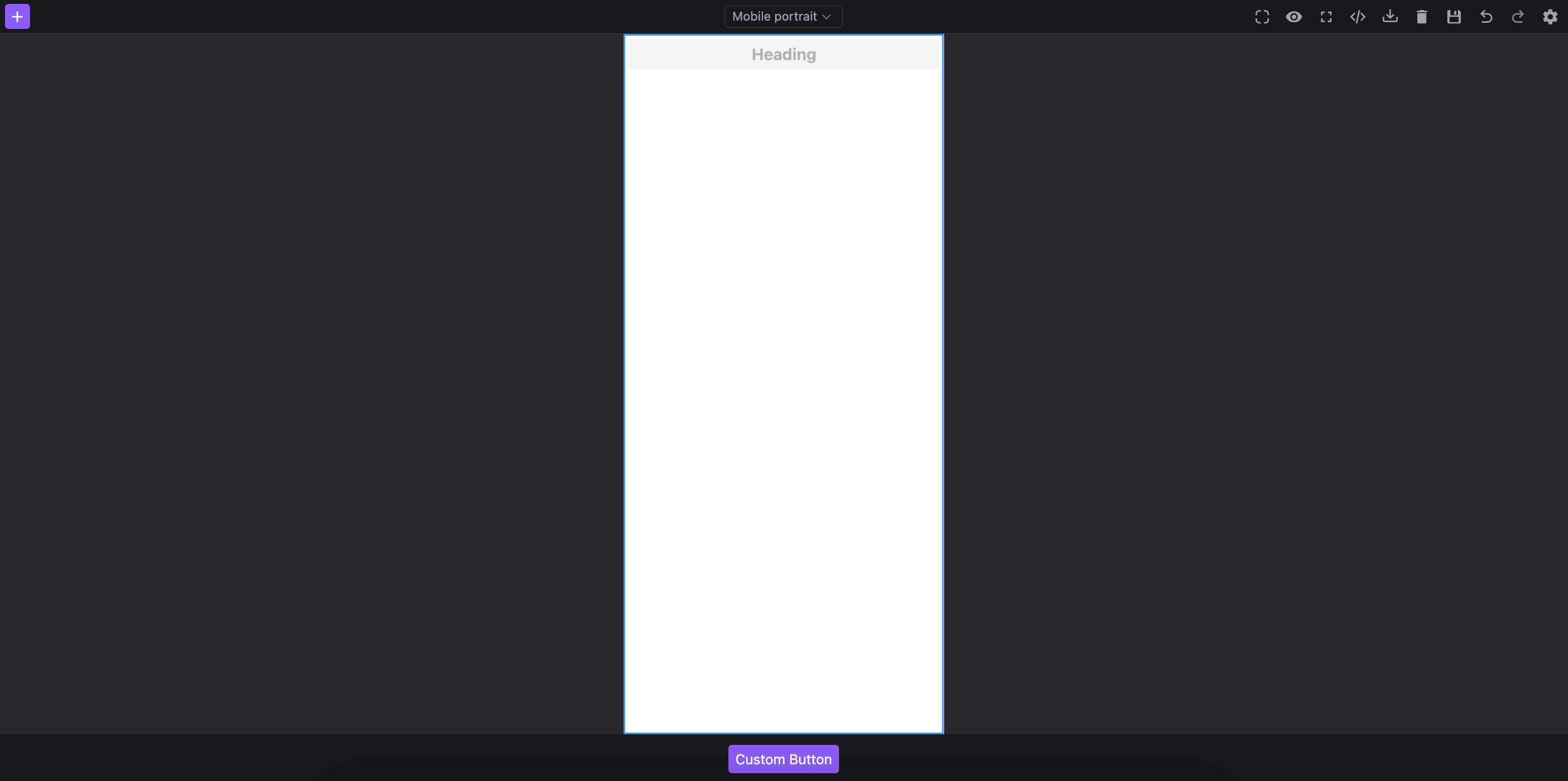
Discover how to adjust the layout interface of your editor, customizing panel positioning, dynamic layouts, responsive configurations and other structural elements to create an editor layout that best fits your users' workflow. For detailed instructions, see the Layout Configuration page.
Global Styles
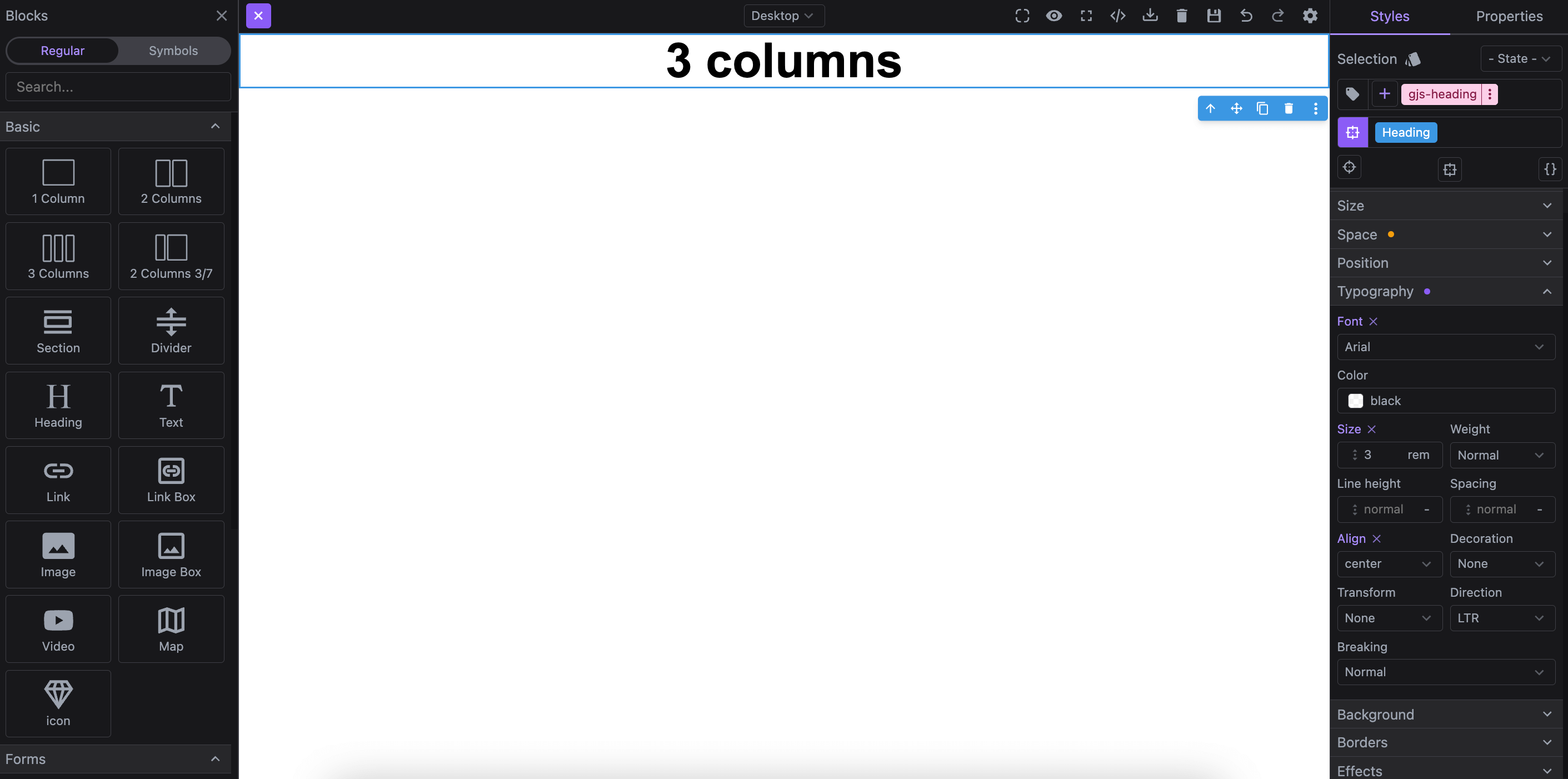
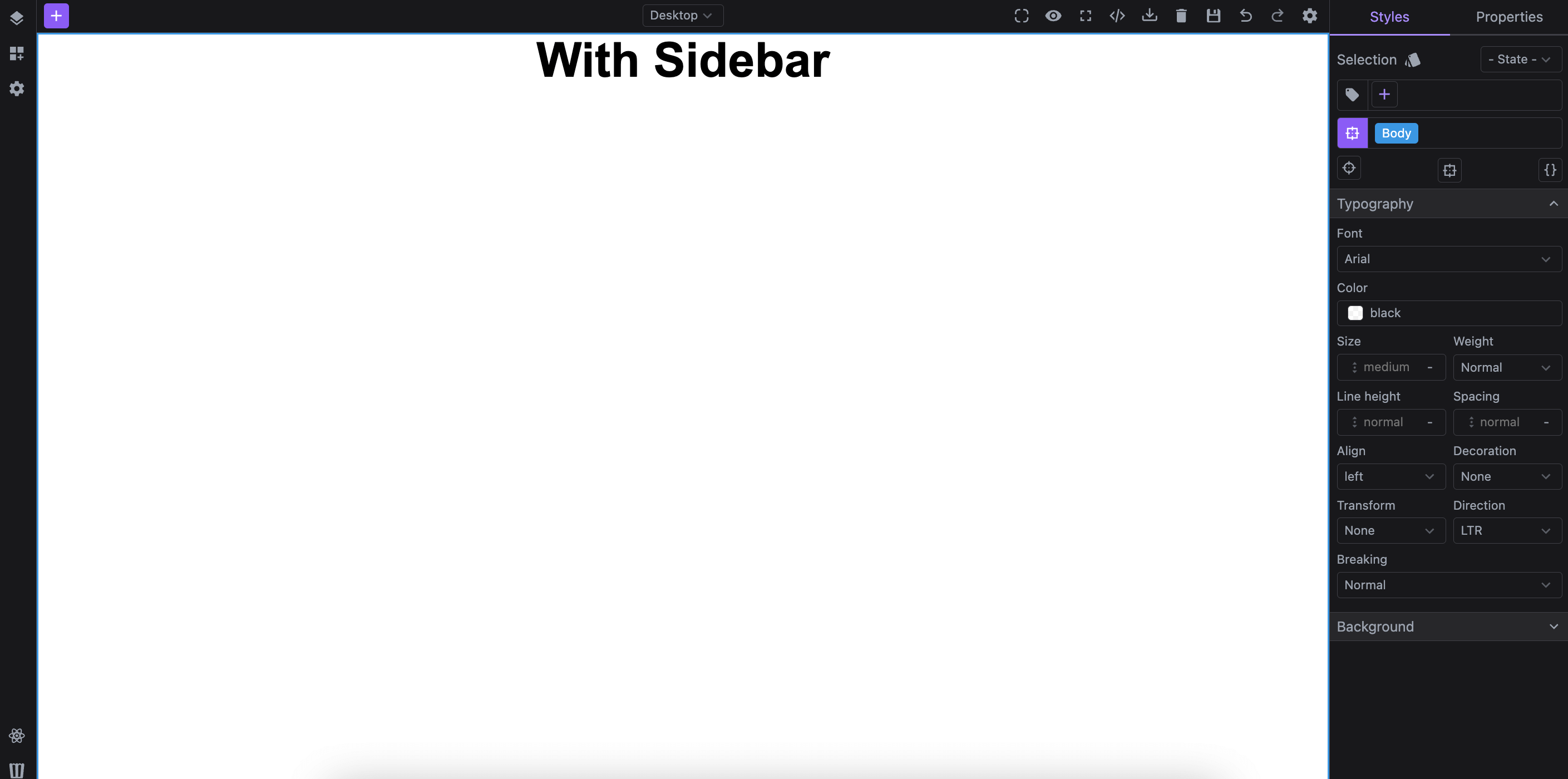
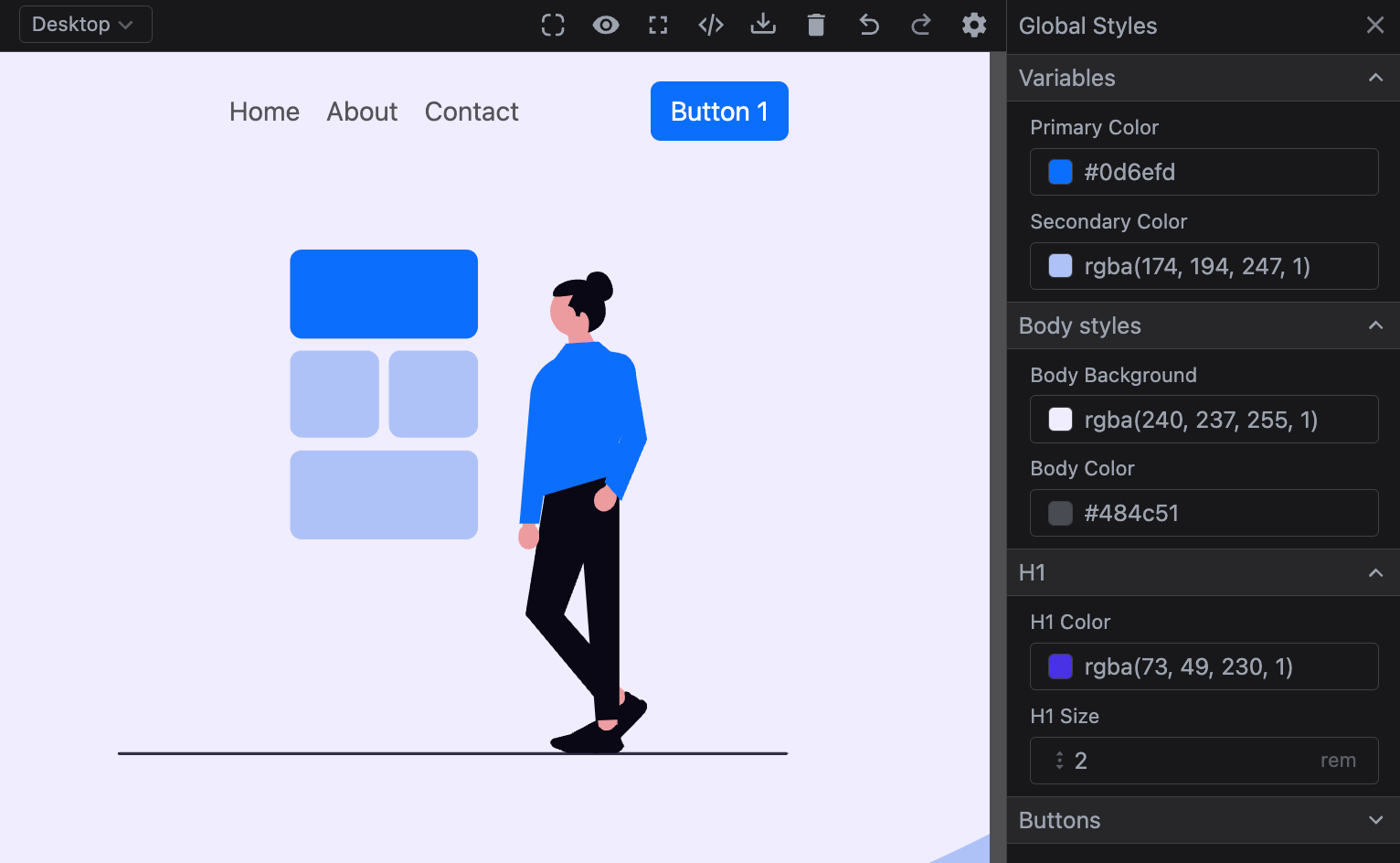
Define and manage styles that apply across your entire project, creating a cohesive and easily maintainable design system. Configure common styles, leverage CSS variables, and integrate external libraries to ensure consistent theming and styling for all components. For detailed instructions, see the Global Styles Configuration page.
Templates
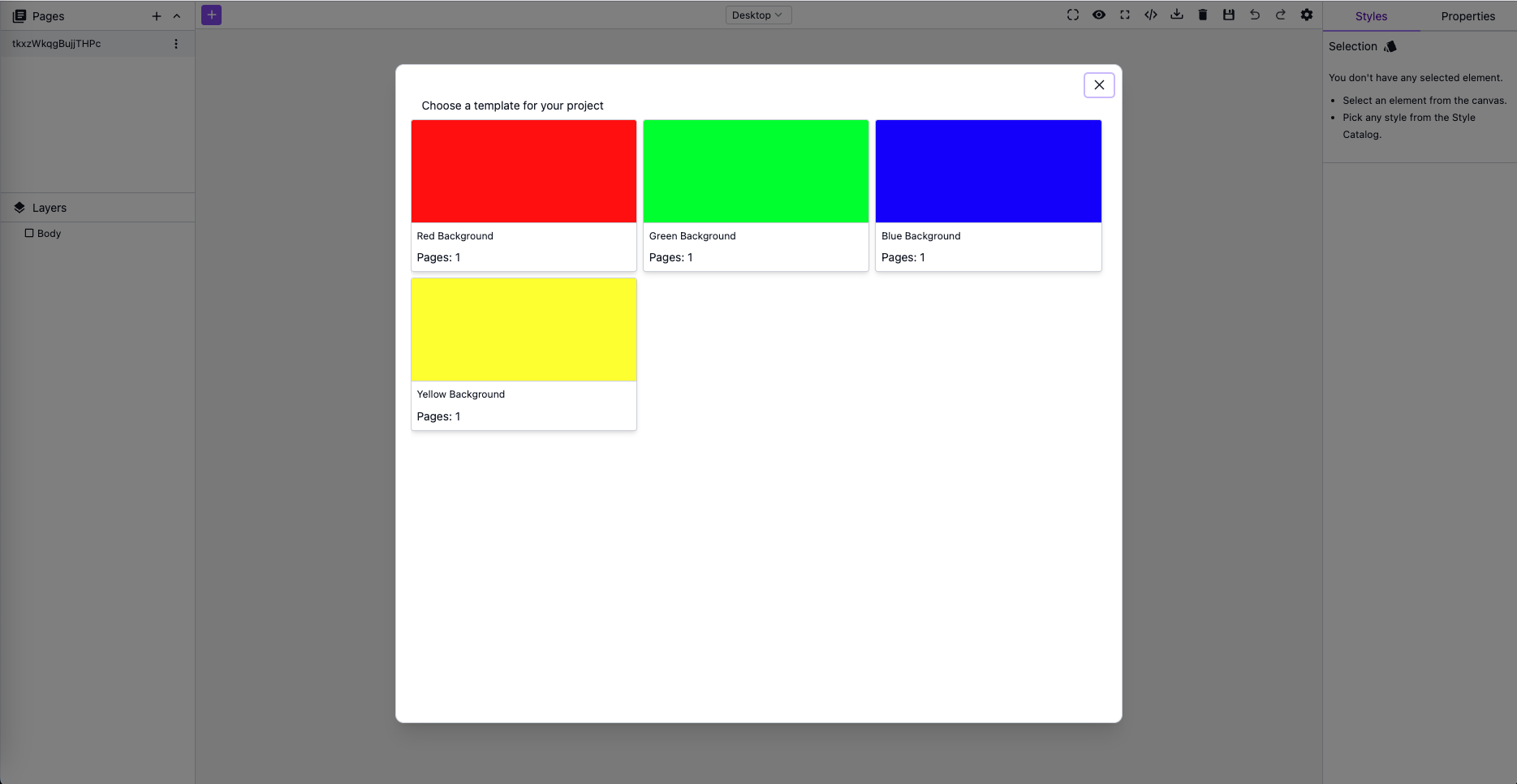
Enable your users to select and start with pre-configured designs using our Template manager. For detailed instructions, see the Template Configuration page.
Data Sources
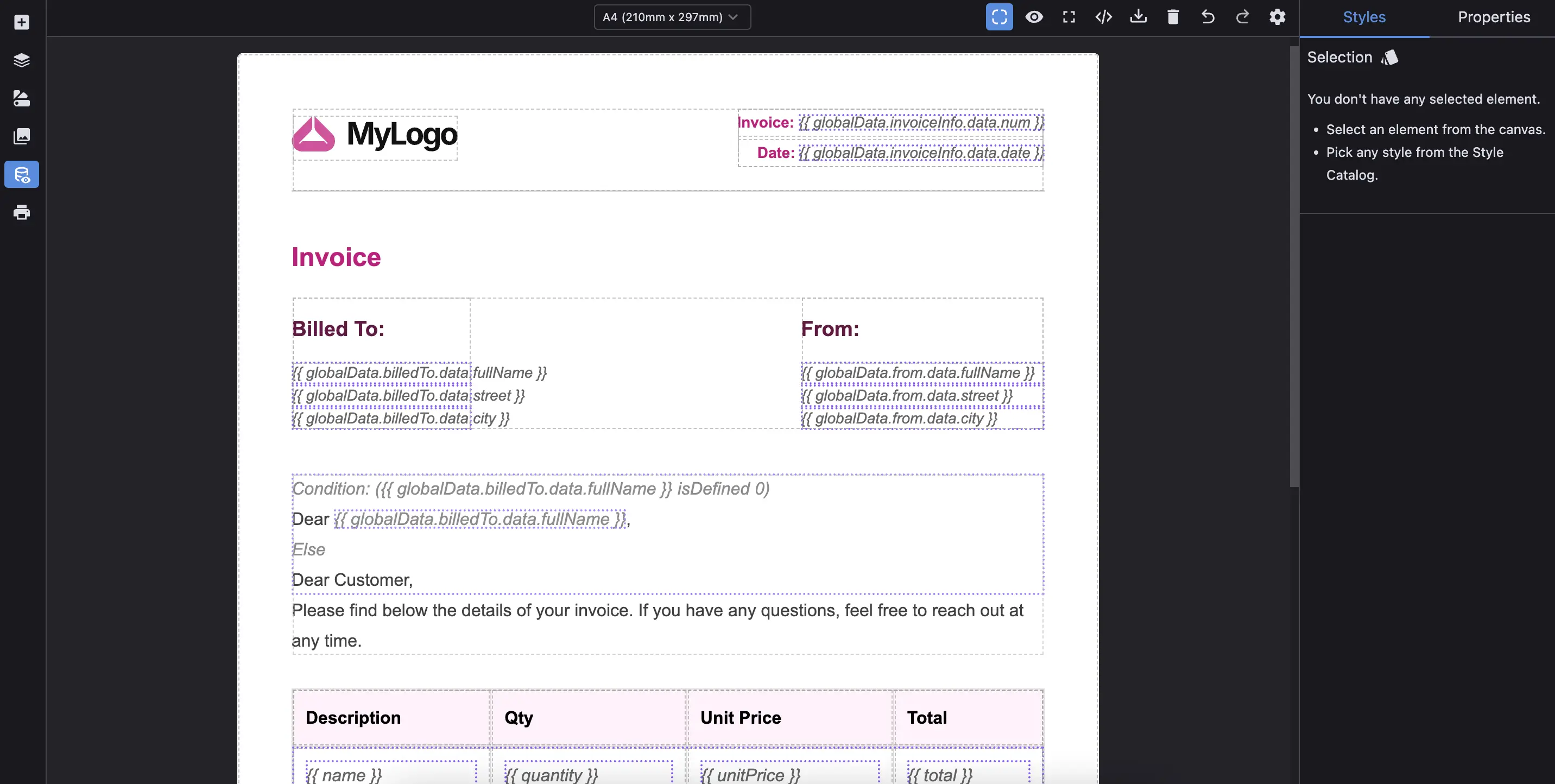
Connect your content to structured data and build dynamic, data-driven content with ease. Use variables, conditions, and repeatable collections to personalize content and automate rendering logic. Export fully resolved content or template-ready structures using merge tags. For implementation details, see the Data Sources Configuration page.
Fonts
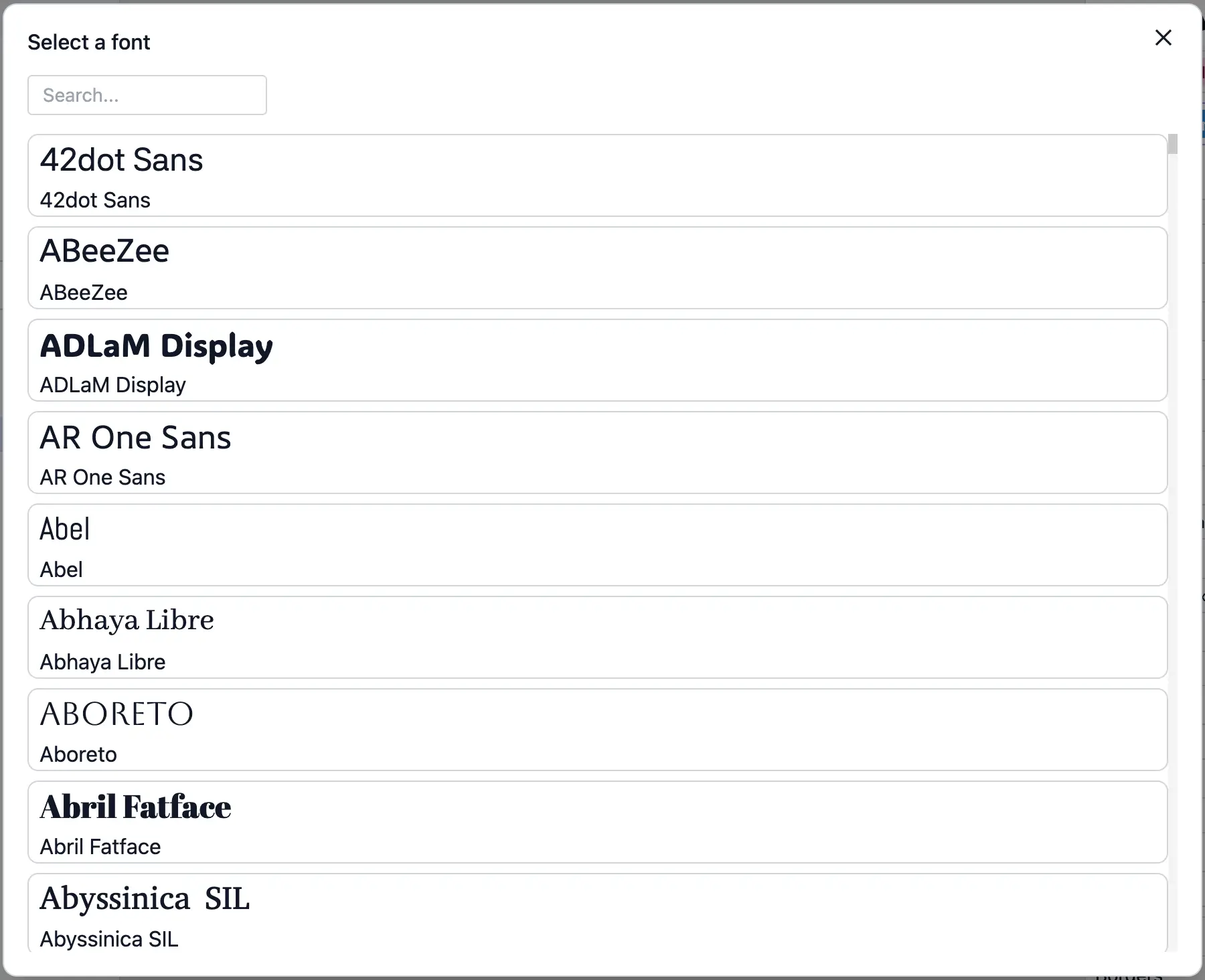
Customize the typography of your projects by managing fonts directly within the editor. Add custom fonts through project configuration, modify the default font list, and integrate external providers like Google Fonts. Enable a flexible and extensible font manager to give users full control over font selection. For implementation details, see the Fonts Configuration page.