Licenses
Learn how to create a license for your Studio SDK. A license is essential for running the Studio on a public domain (you can still use all the features locally without it). Follow the steps below to sign up, create, and configure your license.
Sign up
To get started, sign-in from https://app.grapesjs.com. Signing up is the first step to access the licensing features of the Studio SDK.
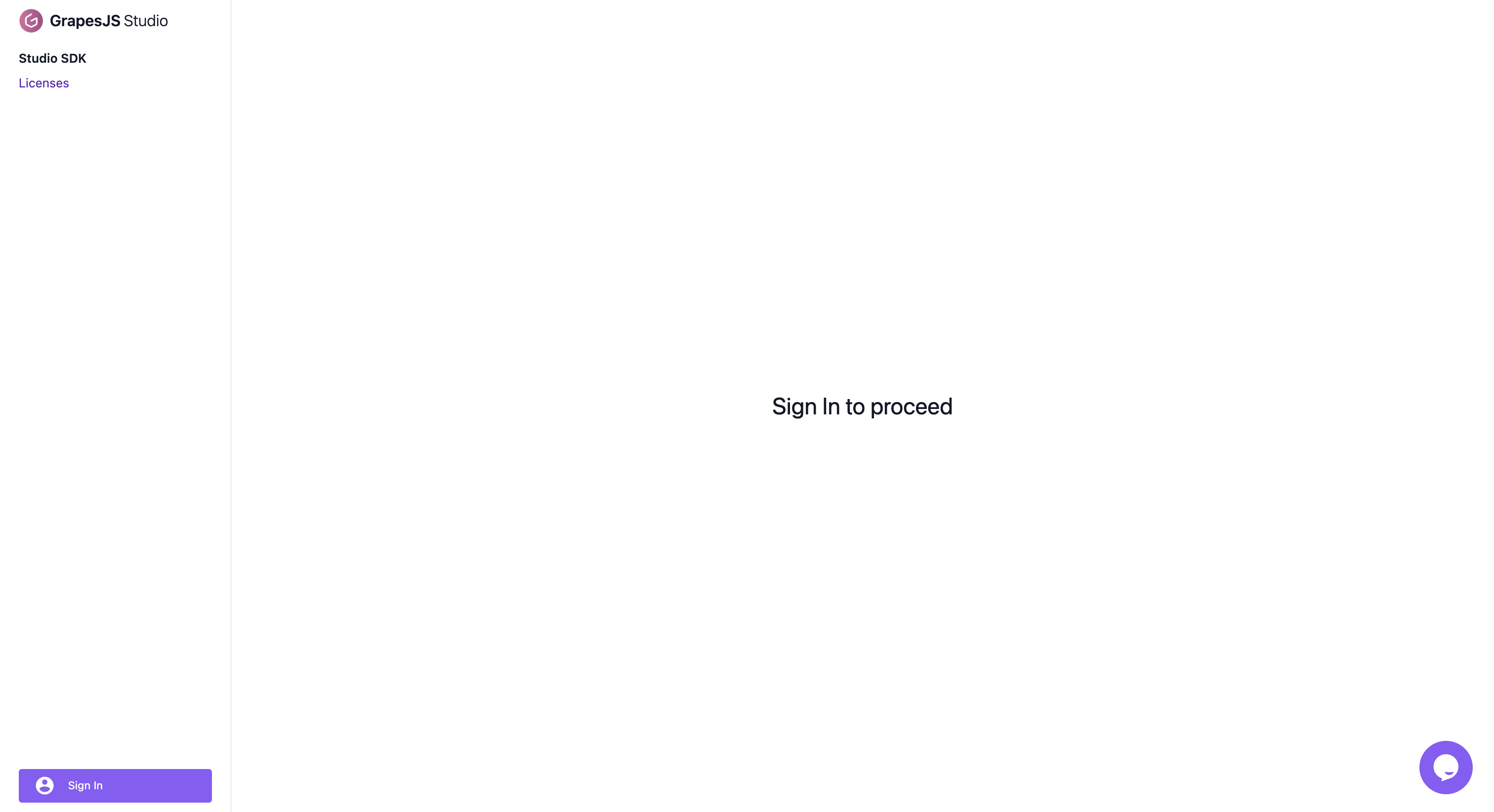
The image above shows the sign-in page where you can log-in and access your account.
Create license
Once signed in, you can create a new license for your application. This license will enable you to use the Studio SDK in your applications.
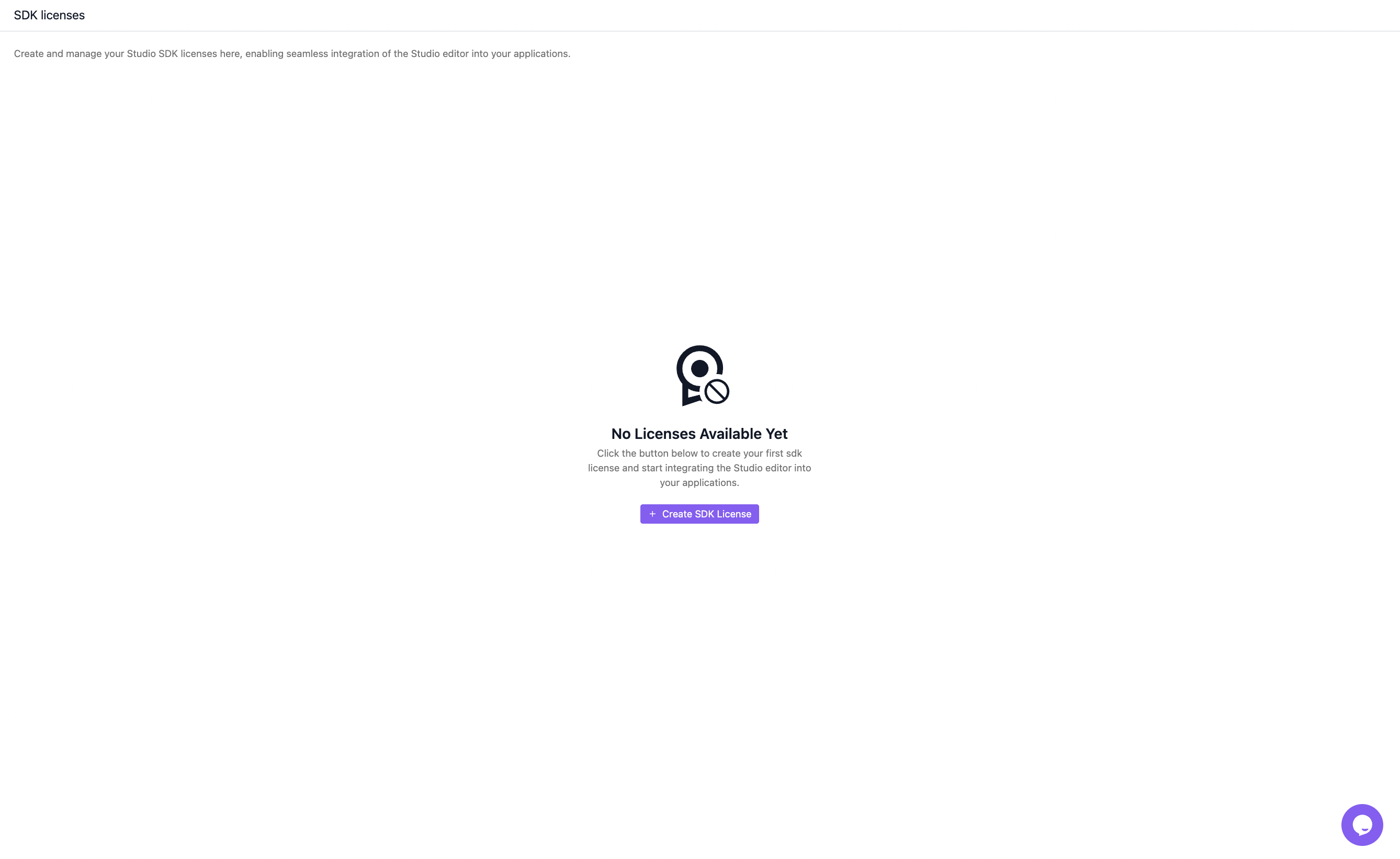
The image above illustrates the interface for creating a new license.
Configure license
After creating the license, you need to configure it to match your project's requirements. This step ensures that the license is correctly set up and ready for use.
To ensure proper functionality, it is essential to configure your license by adding the domain where the Studio SDK will be deployed. Additionally, you must enable the license to run the Studio on a public domain (you can still use all the Studio features in localhost without a license). This configuration step is crucial for the seamless integration and operation of the Studio SDK.
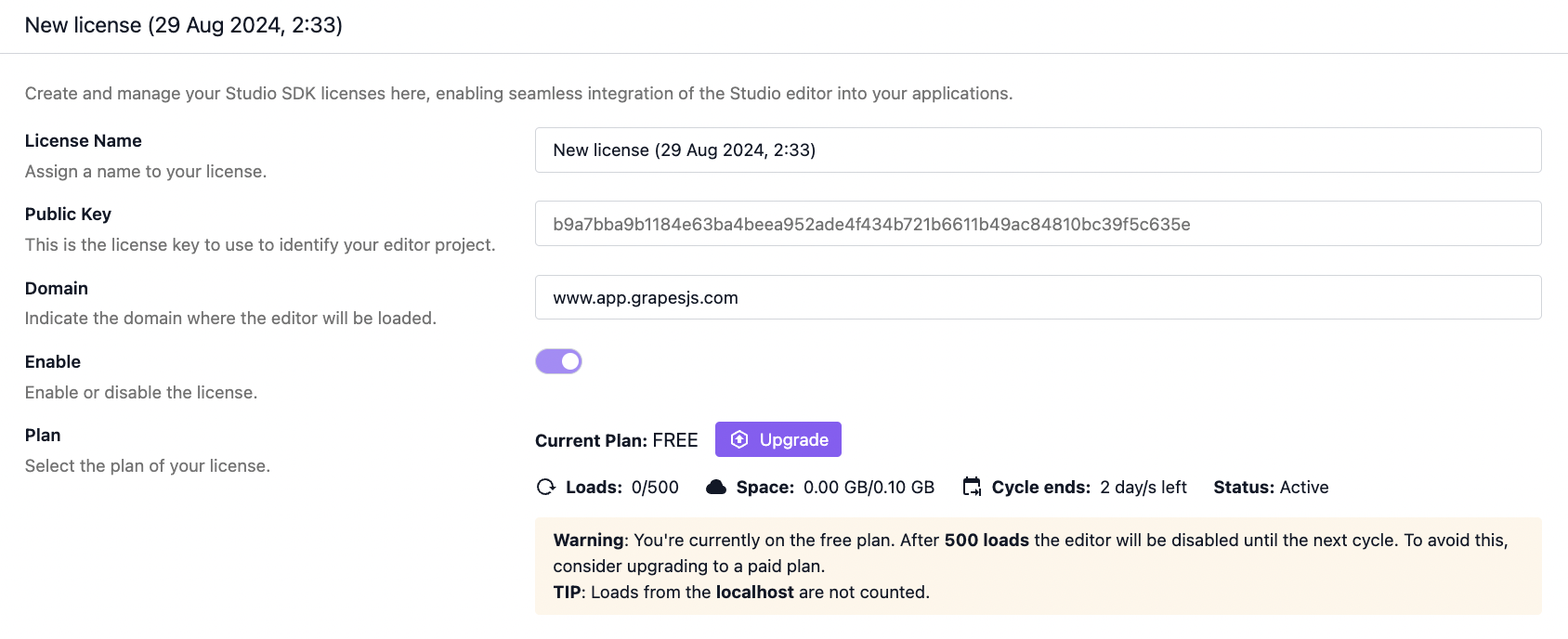
The image above shows the configuration options available for your license. Adjust these settings to configure the domain and enable the license.