Full Size
Project types | webemail |
Plan | Startup plan |
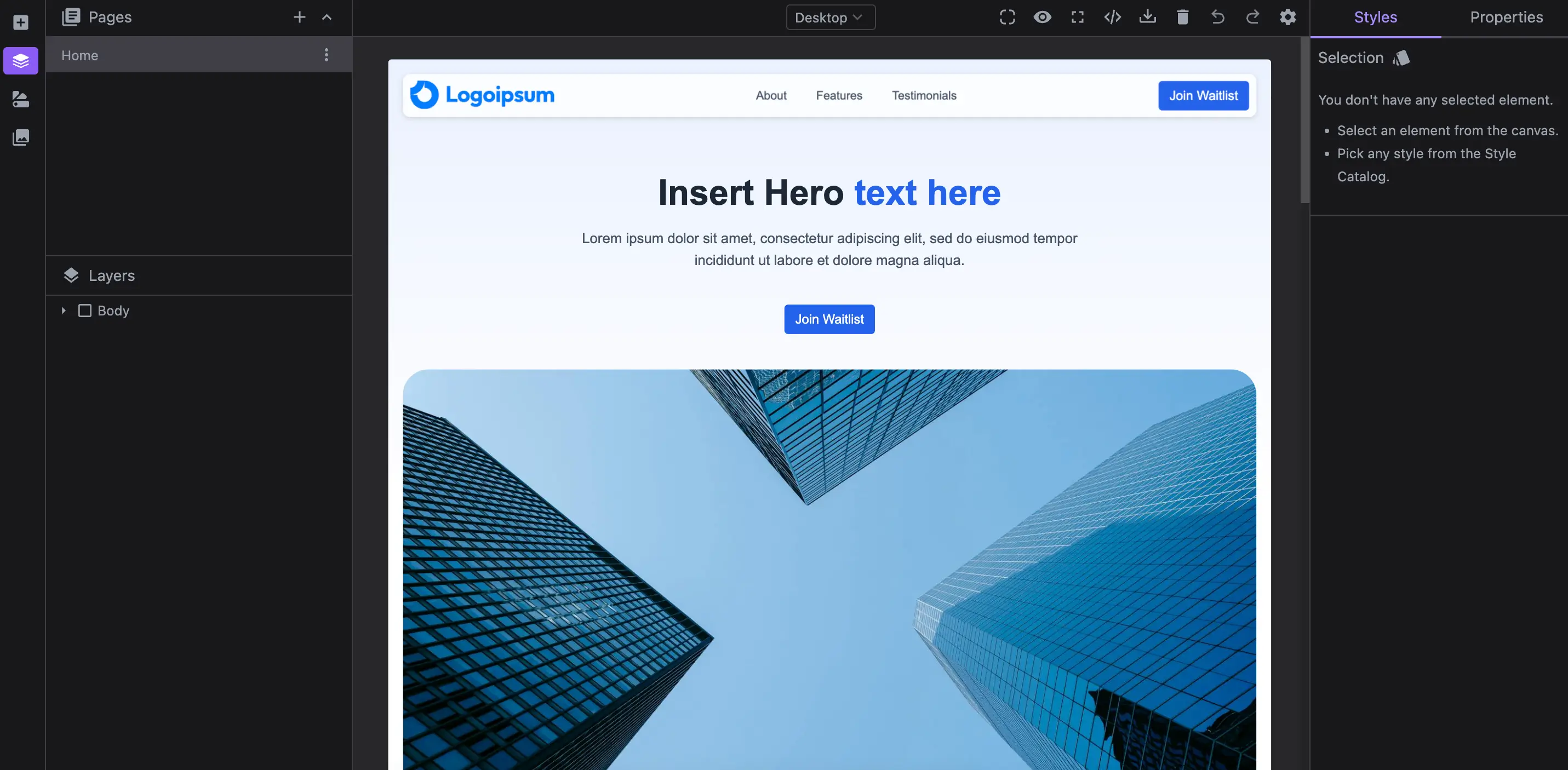
Enable full-size device in the editor canvas, independent of your screen size. Perfect for designing large templates seamlessly.
Install the Studio SDK plugins package:
- npm
- pnpm
- yarn
- CDN
npm i @grapesjs/studio-sdk-plugins
pnpm add @grapesjs/studio-sdk-plugins
yarn add @grapesjs/studio-sdk-plugins
// It's recommended to replace the `latest` tag with the specific latest version to avoid any potential breaking changes.
// The loaded plugin is globally available via `globalThis.StudioSdkPlugins_canvasFullSize`.
"https://unpkg.com/@grapesjs/studio-sdk-plugins@latest/dist/canvasFullSize/index.umd.js"
Import and use the plugin in your project:
- React
- JS
- 🍇 Demo
import StudioEditor from '@grapesjs/studio-sdk/react';
import '@grapesjs/studio-sdk/style';
import { canvasFullSize } from '@grapesjs/studio-sdk-plugins';
// ...
<StudioEditor
  options={{
      // ...
      plugins: [
        canvasFullSize
      ],
  }}
/>
import createStudioEditor from '@grapesjs/studio-sdk';
import '@grapesjs/studio-sdk/style';
import { canvasFullSize } from '@grapesjs/studio-sdk-plugins';
// ...
createStudioEditor({
    // ...
    plugins: [
      canvasFullSize
    ],
})
Plugin options
| Property | Type | Description |
|---|---|---|
licenseKey | string | The license key for the plugin. This is optional, only required if the plugin is used outside of Studio SDK. Example |
deviceMaxWidth | number | Default max width for the devices. Default |
deviceMinHeigth | number | Default min height for the devices. Default |
deviceFixedHeight | boolean | This option disables scrollable canvas area and keeps the iframe's height fixed. Default |
canvasOffsetY | number | Offset for the canvas on the Y axis (margin between the canvas and content frame). Default |
canvasOffsetX | number | Offset for the canvas on the X axis (margin between the canvas and content frame). Default |
canvasTransition | number | Transition time for the canvas when the screen size changes (in seconds). Default |
frameBorderRadius | number | Border radius for the content frame (in px). Default |
frameTransition | number | Transition time for the content frame when the device changes (in seconds). Default |